eCourtDate Case Management
GovPayPlan is the supported payment processor for eCourtDate CMS. Payments post to the case ledger automatically, with each payment, refund, and adjustment tied to its case.
Need to pay a fine, fee, or bill? Use the link on your notice or your agency’s website.
Information for people making a payment
GovPayPlan accepts payments, records them, pays the agency, and controls who may do each. This page lists the features by area.
GovPayPlan accepts payments online, at the counter, and in the field; records them in one ledger; sends payment reminders; pays the agency on a published schedule; and provides a settlement statement for each deposit.
Take payments on the portal, at counter and mobile terminals, and by recording cash and checks.
Set up installment plans and recurring charges with reminders by text and email.
Import balances, correct records, issue refunds, and resend receipts.
Match each deposit to its settlement statement and export entries for the general ledger.
Apply allocation rules across funds and recipients and trace each allocation.
Manage agency accounts, the four staff roles, portals, and terminals.
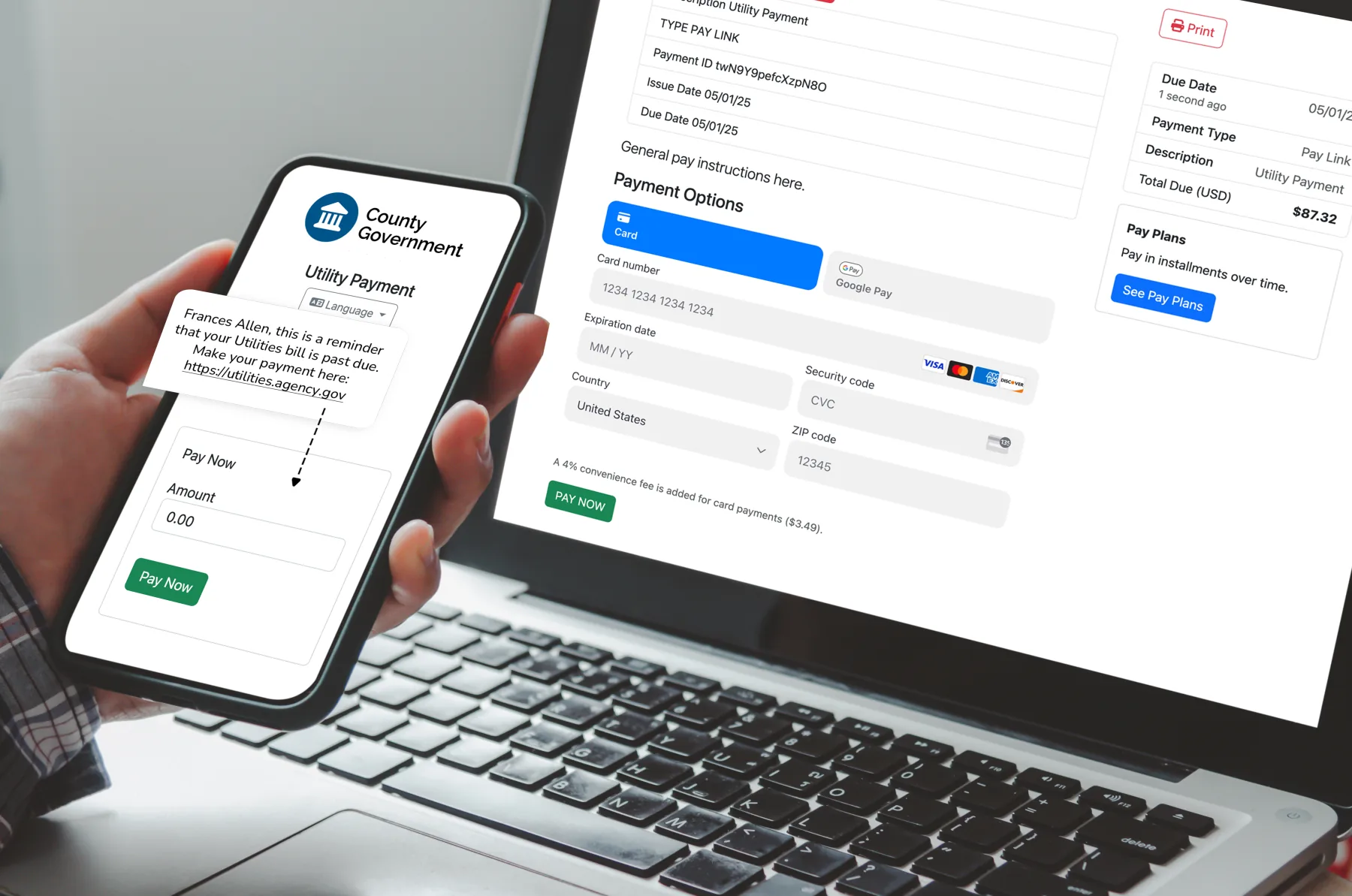
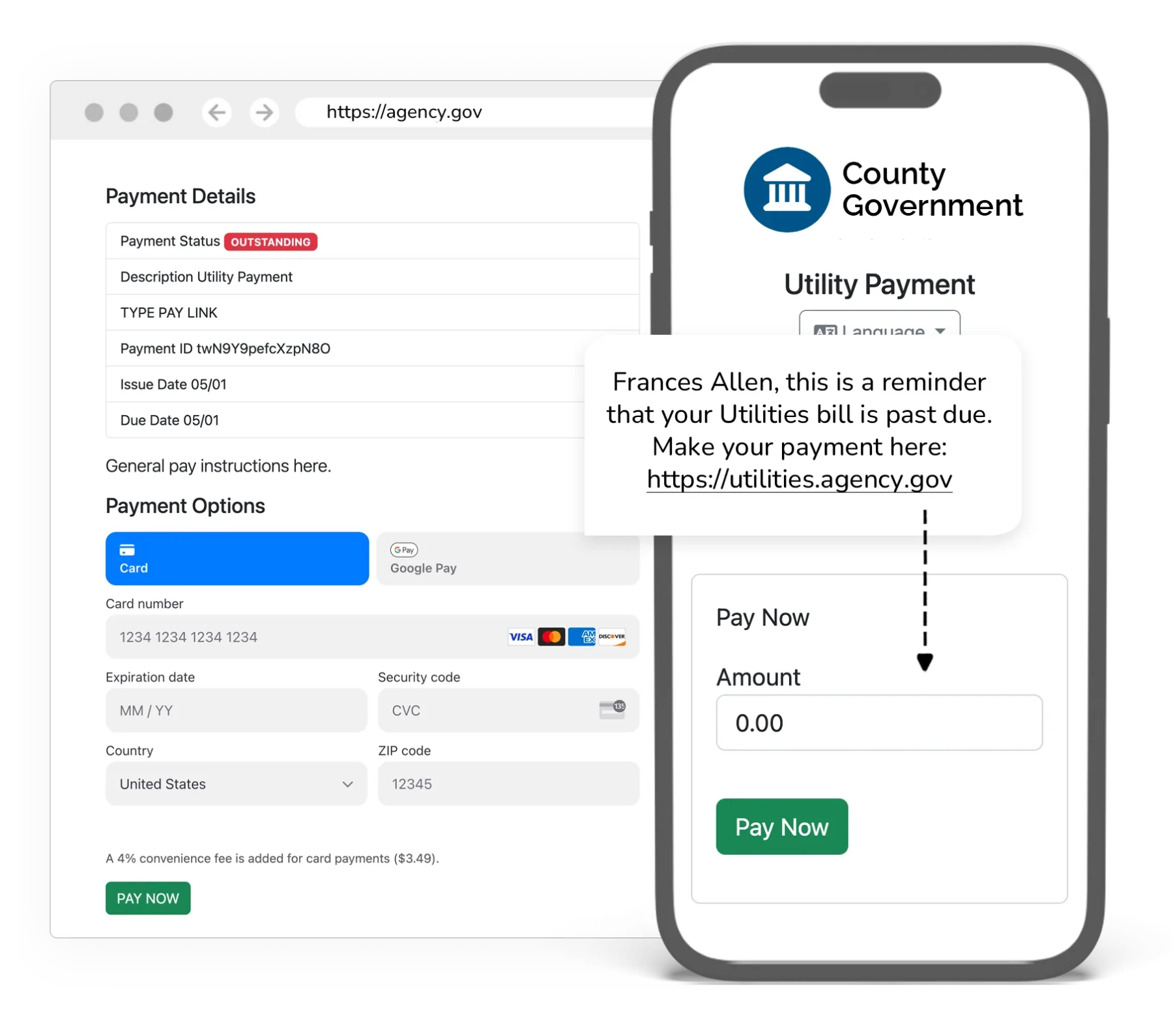
A payment made online, at a counter terminal, in the field, or by mail is recorded in the ledger with a receipt and a reconciliation entry.
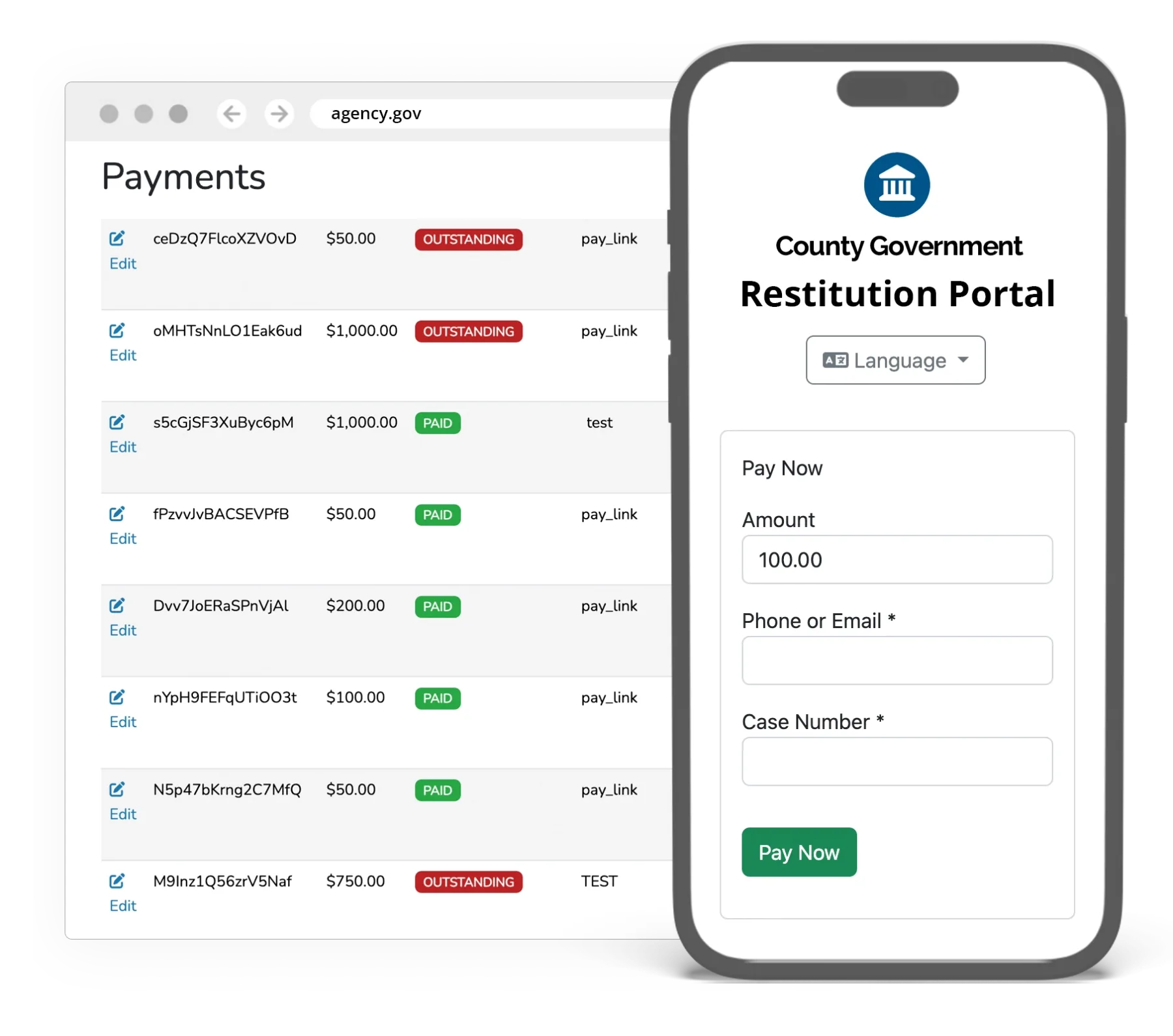
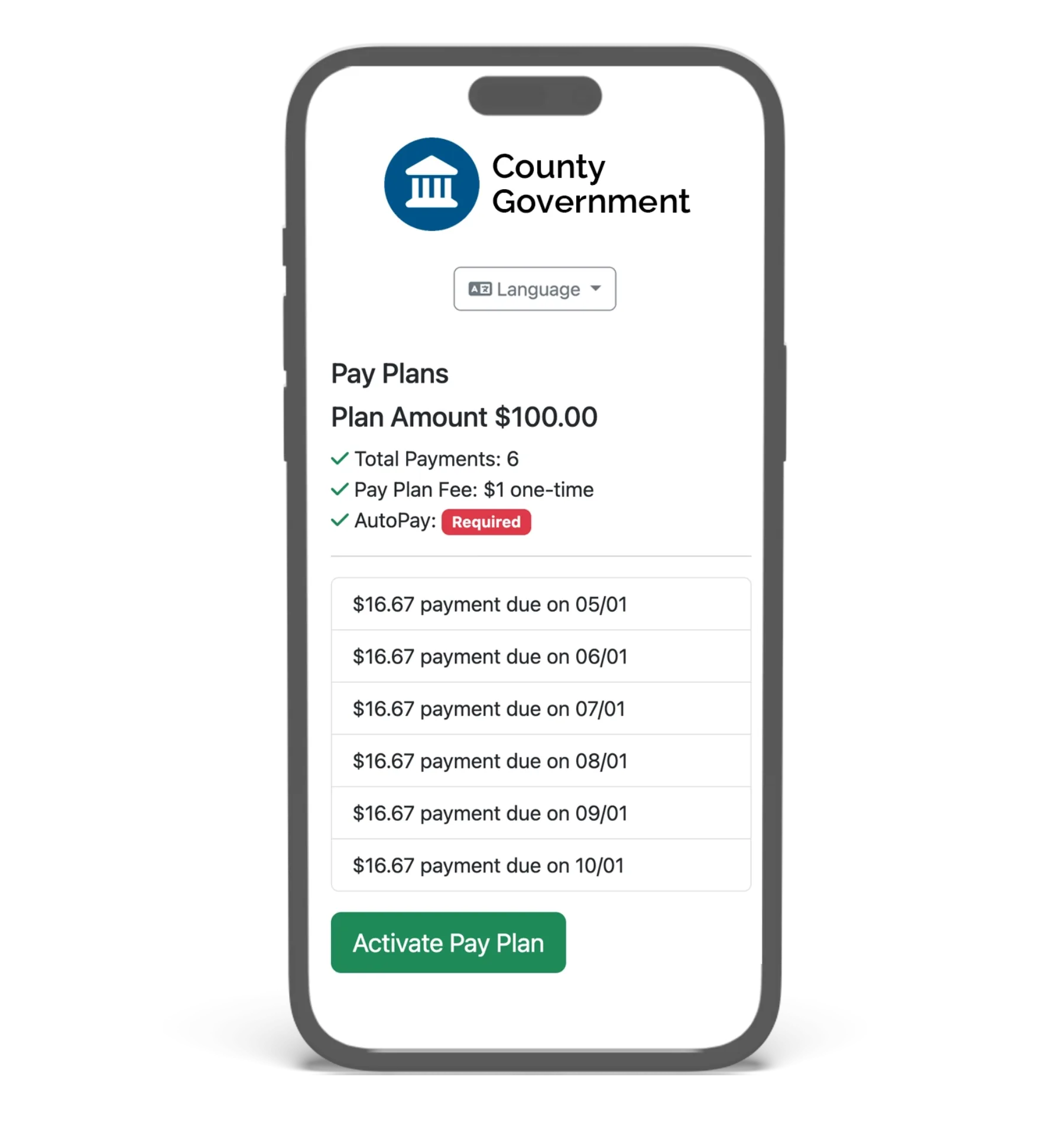
Installment plans, recurring charges, and partial payments are tied to the original balance. Reminders with a payment link are sent by text and email.
Two terminal models cover staffed windows and field work. Terminals arrive configured. Card data is encrypted inside the device and is not stored on agency systems.
The payer record holds the person or organization, balances, payment history, plans, messages, and notes.
Staff create, import, review, and correct payment records from the admin portal.
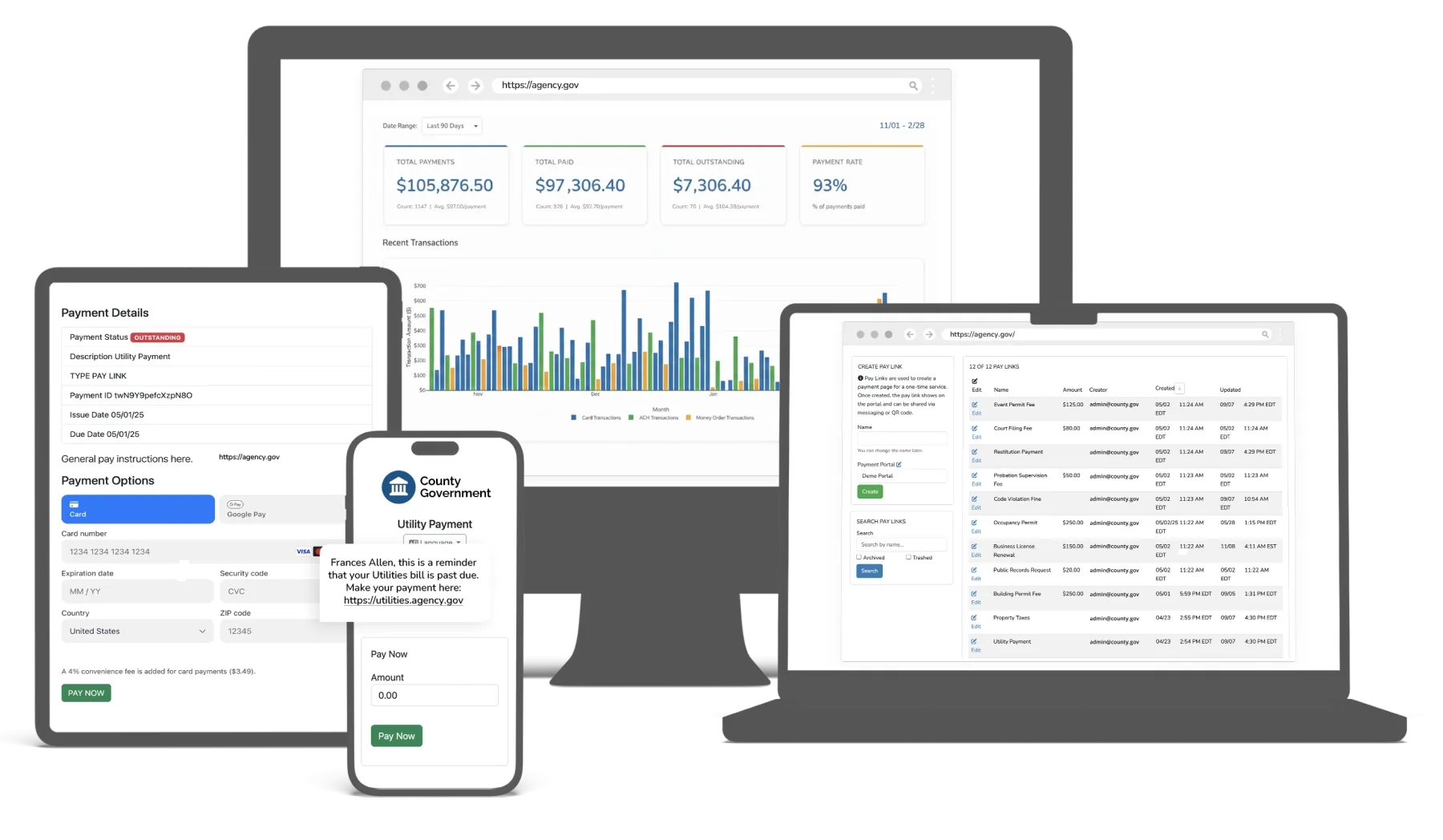
Authorized finance users open payout schedules, settlement statements, and transaction-level reconciliation reports at any time.
Administrators manage agency accounts, staff access, public portals, locations, and terminals from one place.
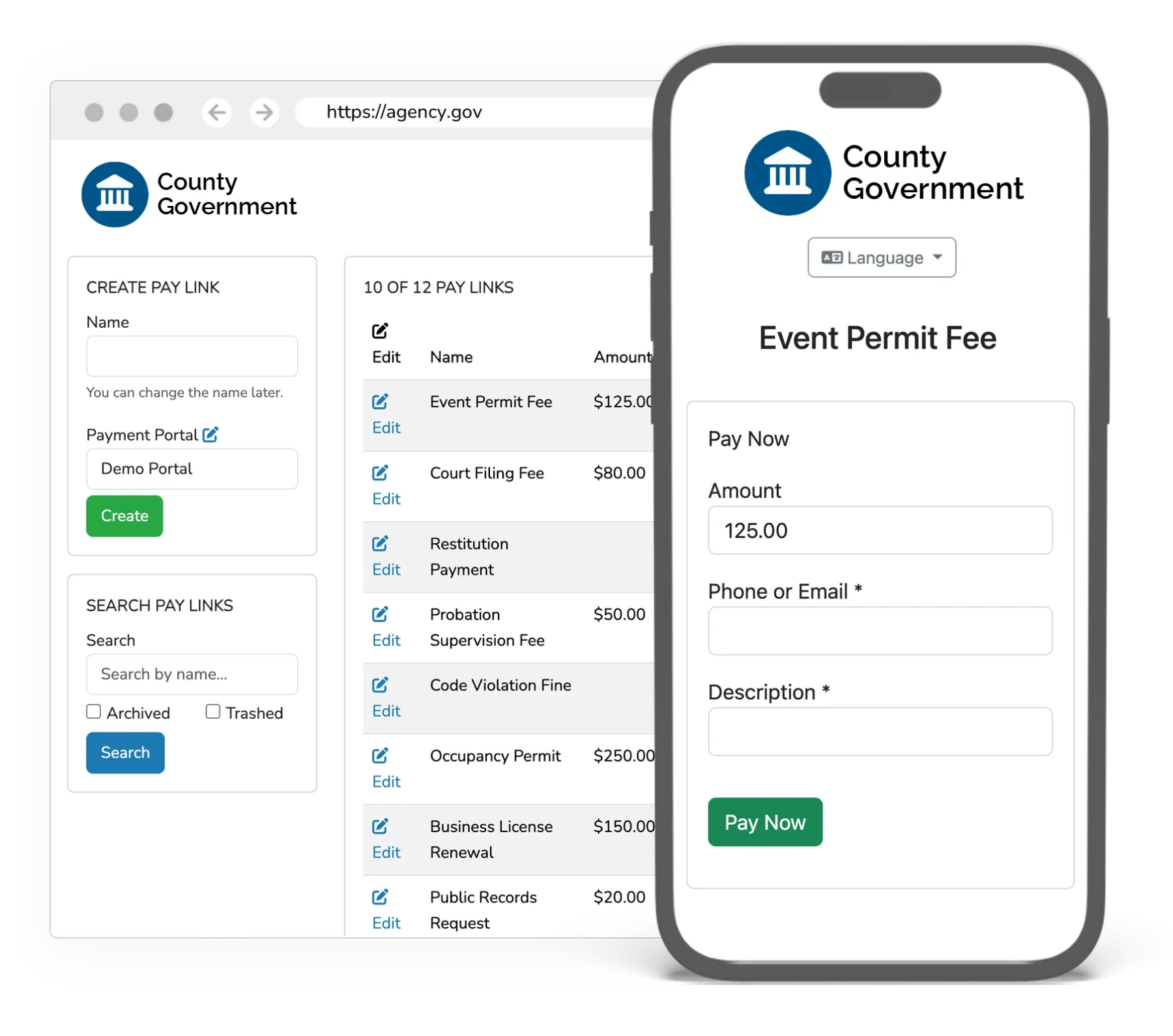
Available with Enterprise plans. Existing balances, cases, and payer records can be imported by CSV on every plan.
GovPayPlan is the supported payment processor for eCourtDate CMS. Payments post to the case ledger automatically, with each payment, refund, and adjustment tied to its case.
A documented API for payments, accounts, and status, with webhooks for real-time payment notifications.
Import obligations and return payment records on a schedule through managed SFTP.
Pre-built integrations for common court and case management systems. Ask about your system by name.
Staff sign-in through the agency identity provider, with GovPayPlan roles preserved.
Place the payment experience inside an agency website or publish it on an agency-controlled domain.
Yes. Onboarding includes live training sessions, video tutorials, and written guides at help.govpayplan.com. Most staff are working on their own after the first session, and the support team remains available after launch.
No. Staff users are unlimited, payouts carry no fee, and there is no setup fee. The only recurring platform cost is the annual software subscription, which is waived at $250,000 or more in annual gross payment volume.
Card: Visa, Mastercard, Discover, and American Express, credit and debit. Wallet: Apple Pay, Google Pay, and Cash App. Bank: ACH direct debit. In person, terminals accept EMV chip, contactless tap, and magstripe.