Account lookup and AutoPay
Customers find their account on the portal and pay once or enroll in AutoPay with a start and end date. Plans and recurring charges are linked to the account.
Need to pay a fine, fee, or bill? Use the link on your notice or your agency’s website.
Information for people making a payment
GovPayPlan processes water, sewer, electric, and gas payments for utilities and districts. Customers look up their account, pay by card, wallet, or bank account, and enroll in recurring AutoPay. Reminders go out by text and email before the due date. GovPayPlan does not replace the billing system. Balances are imported by CSV on every plan, and Enterprise plans add SFTP and API exchange. Cash and checks at the counter are recorded in the same ledger.
Customers find their account on the portal and pay once or enroll in AutoPay with a start and end date. Plans and recurring charges are linked to the account.
ACH payments carry a 2% fee with a $1.00 minimum, paid by the customer and disclosed before confirmation. Cards and wallets are charged the plan rate of 5% or 4%.
Reminders with a payment link are sent by text and email before the due date and before a disconnect notice.
A countertop terminal takes cards at the window. Cashier users record cash, checks, and money orders from the counter and the drop box. No processing fee applies.
On every plan, the clerk uploads a balance file exported from the billing system and downloads a payment file to post back. Enterprise plans do both steps automatically by SFTP or API. Tell us your billing system and we will confirm which steps apply.
The utility settles to its own registered bank account, separate from the general fund, and receives a settlement statement with each payout.
These examples are generic. None describes a specific customer.
After bills are generated, the clerk imports the balance file. Customers receive a text with a payment link. AutoPay customers are charged on the due date and receive a receipt.
The clerk records checks and cash from the drop box as a Cashier user. They appear in the same reconciliation report as the online payments for that day.
The weekly payout arrives by ACH in the operating account with a settlement statement listing every transaction, fee, and refund behind it. The clerk posts the total to the billing system.
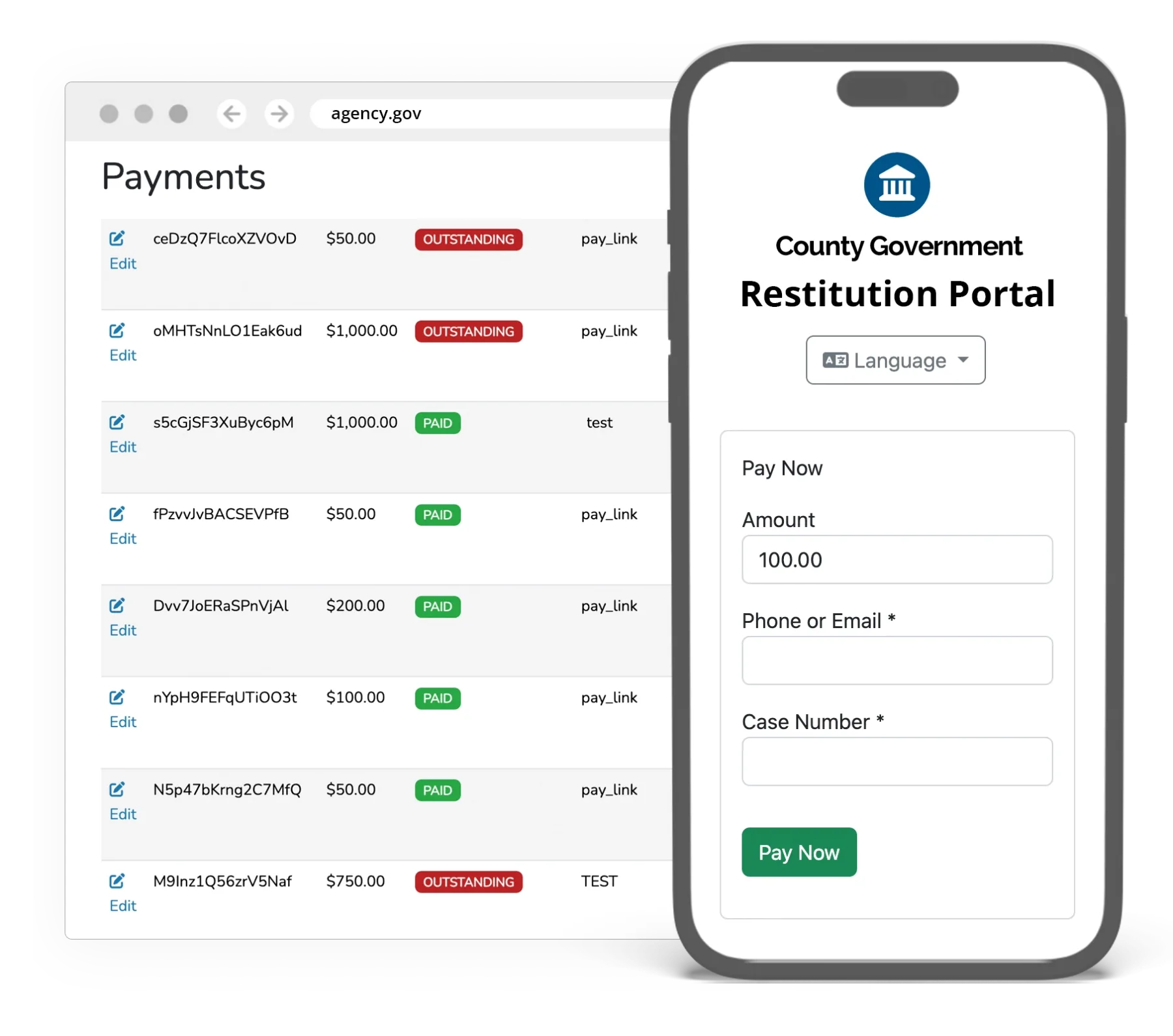
Processing fees are paid by the payer and the agency receives the full amount owed. Rates, minimum fees, the one-year term, and terminal pricing are on the pricing page.
A utility district that operates under a city or county runs as its own agency account with its own payout account, portal, and reporting.
Processing costs the agency nothing. All processing fees are passed to the payer as a disclosed convenience fee, and your agency receives 100% of the payment amount. The Agency Software Subscription is $2,500 per year and is waived for agencies processing $250,000 or more in annual gross payment volume. New agencies qualify from day one by documenting prior-year volume through their current provider’s statements or agency financial reports.
Yes. Staff set the installment amount, due dates, and minimum payment. Recurring charges run on that schedule, and a reminder with a payment link is sent by text and email before each due date. Each installment is subject to the minimum fee.
Payout frequency follows your plan tier. Standard Plan agencies receive monthly payouts on the first business day of the following month. Preferred Plan agencies receive weekly payouts on the first business day of each week. Enterprise agencies receive daily payouts, settling the next business day. All payouts are deposited by ACH in U.S. dollars to the bank account registered with the payment portal. A minimum of $100 in available funds is required to initiate a payout; smaller balances roll forward. No per-payout fees are charged.