Case and citation lookup
Payers look up a case or citation number on the court’s portal and pay the balance. Courts can allow partial payments by payment type.
Need to pay a fine, fee, or bill? Use the link on your notice or your agency’s website.
Information for people making a payment
GovPayPlan processes fines, fees, court costs, restitution, and bonds for courts. Payments are made online, at the clerk’s window, or at a mobile terminal in the hallway, and each payment is recorded against its case or citation number. Defendants who cannot pay in full can be placed on a plan with reminders by text and email. Finance receives a settlement statement for every payout.
Payers look up a case or citation number on the court’s portal and pay the balance. Courts can allow partial payments by payment type.
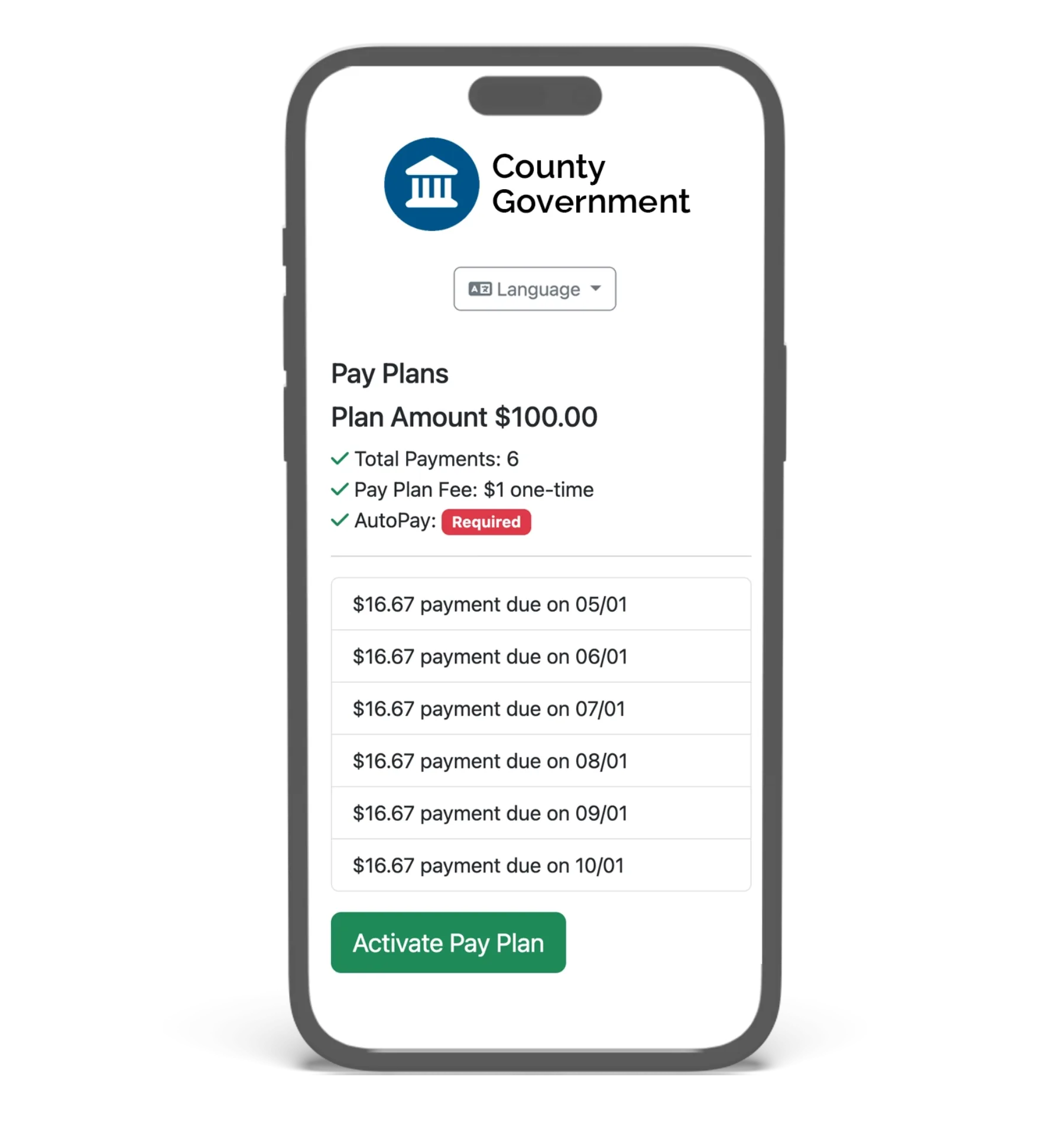
Clerks set installment schedules, minimums, and AutoPay. Reminders with a payment link are sent by text and email before each due date.
Countertop terminals at staffed windows and mobile terminals for court events, amnesty days, and satellite locations. In-person payments are charged the same rate as online payments.
The minimum fee is $2.00 for card and wallet and $1.00 for bank account. On a $15 payment, the payer pays $17.00.
Revenue distribution applies the court’s allocation policy to each settled payment across the general fund, state remittances, court technology, victim services, and other recipients. Each allocation has a trace, and journal entries export to CSV.
Payments post automatically to the eCourtDate Case Management System. Enterprise plans include a REST API, webhooks, SFTP exchange, and pre-built integrations for common court and case management systems.
These examples are generic. None describes a specific customer.
A defendant owes a fine and restitution. The clerk takes a partial payment on the countertop terminal and places the balance on a monthly plan. The terminal calculates the remaining balance, the receipt prints, and the case ledger records the payment with its date, method, and receipt number. Reminders go out by text before each installment.
Mobile terminals take card and wallet payments at the courthouse entrance while a Cashier user records cash and money orders. Every payment appears in the ledger staff use on a normal business day, and the settlement statement for that week lists each one.
Finance opens the settlement statement for the period, matches the total to the ACH deposit, and exports journal entries with the fund split applied by the distribution policy. Refunds and chargebacks are itemized on the same statement.
Processing fees are paid by the payer and the agency receives the full amount owed. Rates, minimum fees, the one-year term, and terminal pricing are on the pricing page.
Each court settles to one registered bank account. A municipal court and a county clerk that need separate settlement run as separate agency accounts under one organization, each with its own portal, payouts, and reporting.
Yes. Staff set the installment amount, due dates, and minimum payment. Recurring charges run on that schedule, and a reminder with a payment link is sent by text and email before each due date. Each installment is subject to the minimum fee.
GovPayPlan is the supported payment processor for the eCourtDate Case Management System. Payments made online, in person, or on a plan post automatically to the case ledger. Clerks do not re-key payments or match batches. Each payment, refund, and adjustment is tied to its case in one audit trail. Agencies using eCourtDate’s communications platform with a separate case management system can also adopt GovPayPlan.
Payment reminders, receipts, plan notifications, and past-due notices are sent automatically by text and email through eCourtDate’s communications platform. Each message includes a direct payment link.