Forms with payment
Build the application form, collect documents, and take payment in the same flow. Approval can be required before the payment is finalized.
Need to pay a fine, fee, or bill? Use the link on your notice or your agency’s website.
Information for people making a payment
GovPayPlan processes recording, license, and permit fees for clerks, recorders, and licensing offices. These fees belong to a specific record. GovPayPlan attaches each payment to that record, whether it is paid through an online form, a pay link on a mailed notice, or at the counter. Dynamic forms collect the application details and the payment in one step.
Build the application form, collect documents, and take payment in the same flow. Approval can be required before the payment is finalized.
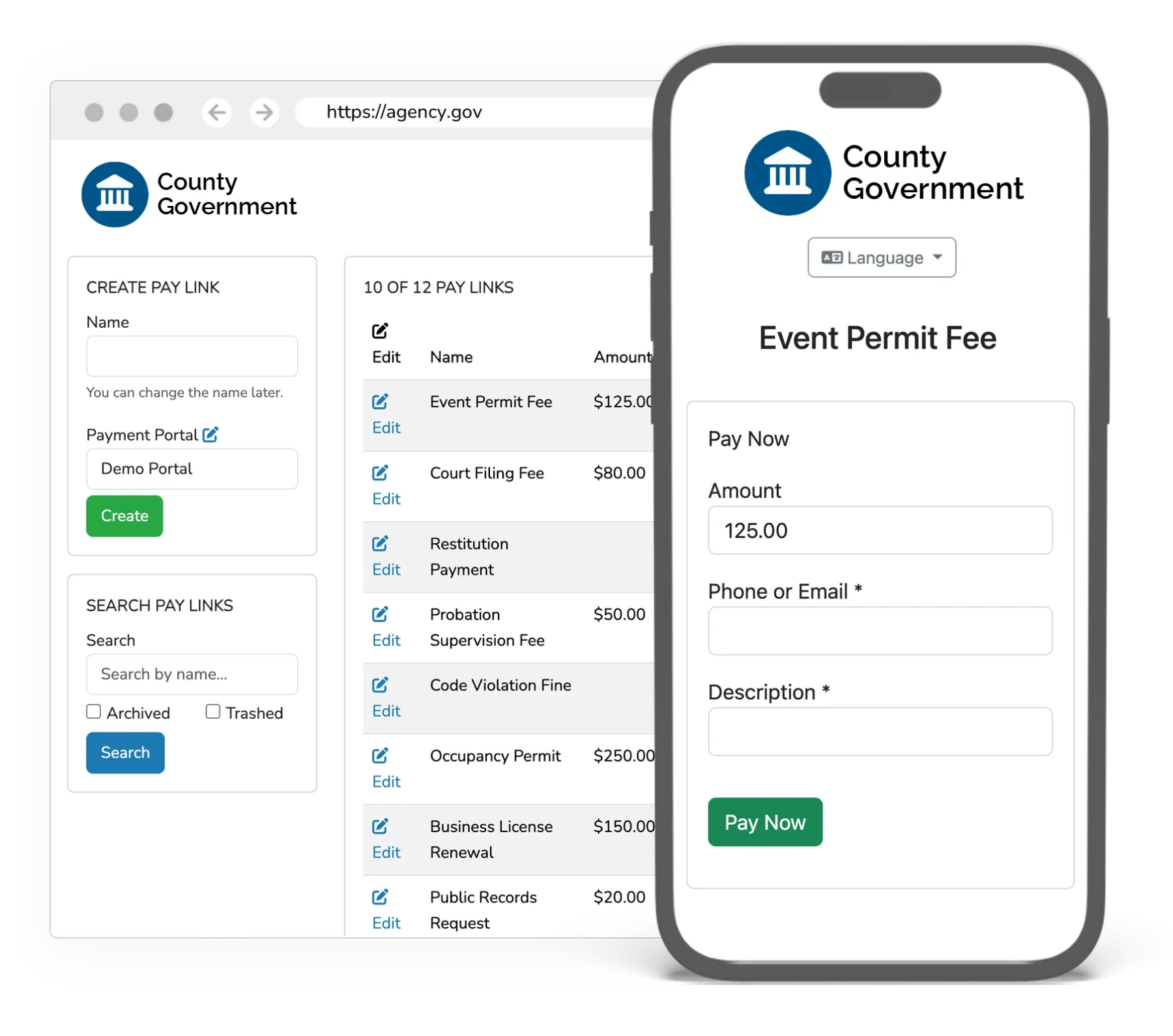
Place a pay link or QR code on renewal notices, invoices, and signage. Fields, amounts, and limits are configurable per link.
Countertop terminals at staffed windows, charged the same rate as online payments. Checks and cash are recorded by Cashier users. No processing fee applies.
Each payment is tied to its application, license, or recording reference and appears in the payer’s history with its receipt.
Forms and portals support more than 100 languages and are built to WCAG 2.1 AA.
Reports by payment type, method, and date support fee studies, audits, and state reporting.
These examples are generic. None describes a specific customer.
An applicant completes the permit form online, attaches the required documents, and pays the fee. The clerk reviews and approves the application. The payment and the permit share one record.
License renewal notices go out with a QR code. Owners scan it, confirm the amount, and pay from a phone. Payments post to the license record as they arrive.
A title company pays recording fees at the window by card. The receipt references the document numbers, and the payment appears on the reconciliation report for that day.
Processing fees are paid by the payer and the agency receives the full amount owed. Rates, minimum fees, the one-year term, and terminal pricing are on the pricing page.
The office settles to its own registered bank account, or to the county’s, depending on how the organization is configured during setup.
Cash, checks, and money orders accepted at your counter or by mail are recorded in GovPayPlan by Cashier users. No processing fee applies. They appear in the same reconciliation view as electronic payments, with one receipt trail. Offline funds are deposited through your agency’s existing banking process.
Yes. Portals are built to WCAG 2.1 Level AA and support more than 100 languages. Interface text, instructions, and receipts display in the payer’s selected language.